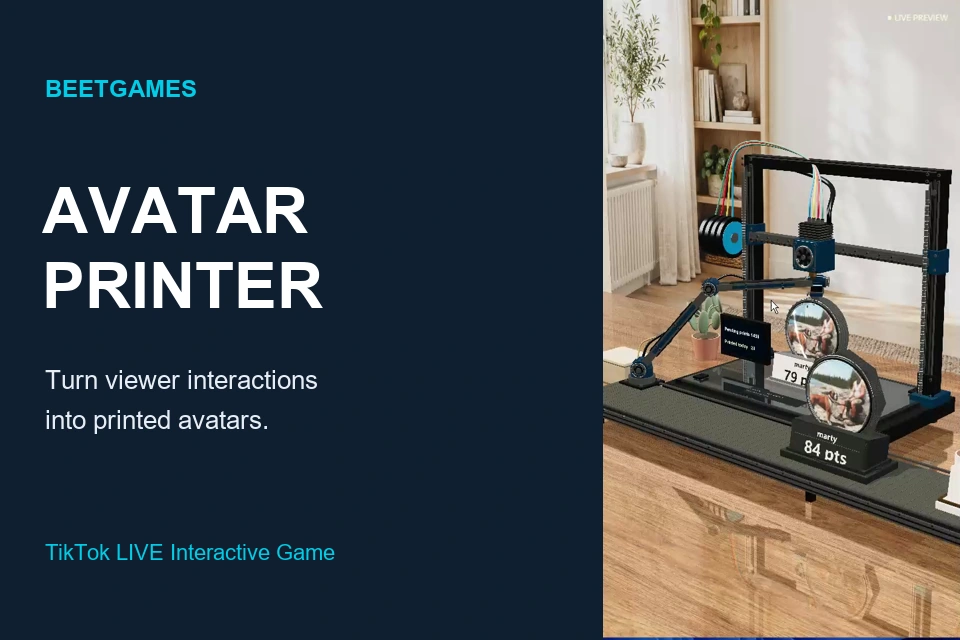
Set up interactions
Open Game Setup in Launcher to choose gifts and effects. Use Test Events before going live. The defaults are:
🎁 Comments, likes and follows: one small avatar.
🎁 Rose: Print a large picture
🎁 GG: Print two large pictures
🎁 TikTok: Print three large pictures
🎁 Viewer joins: a welcome announcement.
Gifts have priority in the queue, without interrupting the current print. Your custom Launcher bindings take precedence.
Scene and sound
Choose a room, adjust or save the camera view, and use Portrait view for a vertical stream. Back to settings returns to the controls. Click the game to enable audio. Choose Language at the top of the game. Your choice is remembered. Speech uses a matching system voice; if none is installed, captions remain visible.
Demonstration mode
Automatic demonstrations and idle tests use fictional English names. Real viewers keep their own names and avatars. Demo events are not real gifts. Random scores are for entertainment only.
The demo buttons retain the original rules: Heart prints one large avatar, Beer two and Lollipop three. Pause, skip and reset affect the local printing scene.