
Rose◇ 1
Quick steps
+20% · 3s
Recover the twelve lost hours and return them to the dock to restore the world clock.
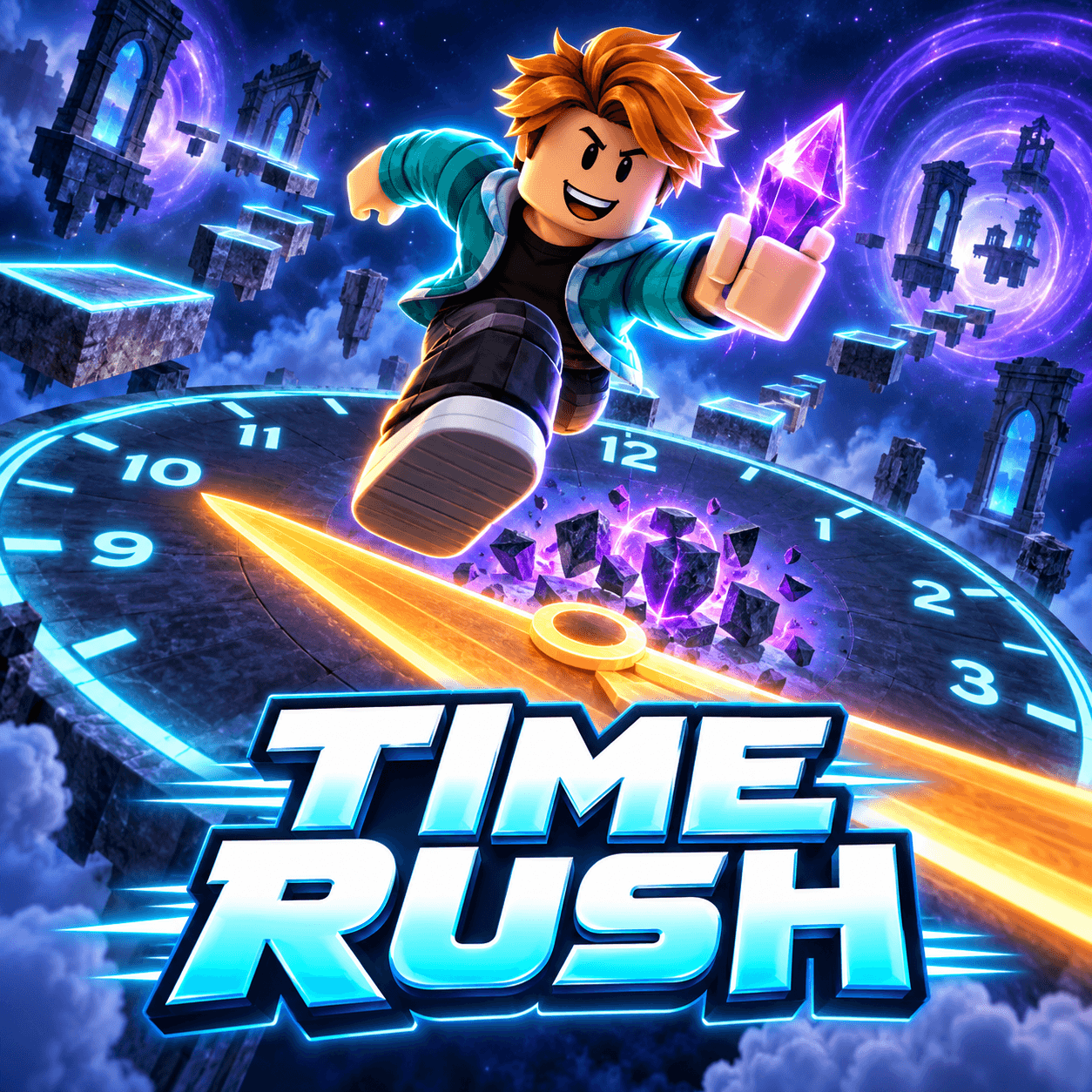
Restore hours 1–12 in order within 8 minutes. Start with 3 lives. Each shard appears after a 10-second scan: collect it on the dial, then carry it to the blue repair dock. Only delivery counts. A hit costs a life and drops the shard, followed by 2 seconds of protection. The dock is safe, but time keeps running. Deliver all 12 before time or lives run out.
WASD: move. Space: jump over hands. Hold the right mouse button to rotate the camera; scroll to zoom. During scanning, viewers comment L or R to vote for the next shard’s side. Each viewer has one current vote; a new comment changes it. Votes do not heal or cast skills.
Studio gameplay with simulated gifts and added music.
These are default gift bindings and durations. Change bindings in Launcher and timed effects from 1–60 seconds in Effect Settings. Extra Life is instant and adds lives even above the starting amount; it does not become a shield. Shield blocks one hit. Rescue adds a life and freezes hands. Fracture creates three staggered danger zones, each with a 2-second warning.
+20% · 3s
×0.2 · 5s

🛡 ×1 · 15s

♥ +1

♥ +1 · ❄ 6s

×1.75 · 3s

↶ · 5s

+1 · 15s

×3 · 2s → 8s

≥3 · ×2 · 10s
Sign in to BeetGames Launcher with game access. Select Time Rush, choose the LIVE room and review gift bindings. Launch the game and copy its BG/SG code. Join in Roblox Player, paste the code and wait for connection success. Press START, then test a simulated gift before broadcasting. Each server allows one runner.
Keep lives, time and repaired hours visible. Explain that pickup is only half the journey. Call out support on the left and sabotage on the right. Show the active Launcher bindings: the in-game guide currently shows defaults. Gift availability and value may vary.
Missing artwork does not cancel effects: the gift name, count and an image-unavailable notice remain. Check the connection and binding if a gift does nothing. Gifts received on the ready or result screen wait for gameplay. Use Language to select a language; check it again after rejoining.