Every finisher counts
Your main runner and clones can each score. The leaderboard ranks viewers by score; a tied score is decided by the first finish.
Viewers join by commenting, then gifts summon guards, clones, giants, chickens, shields, and speed boosts in a live red-light green-light race.
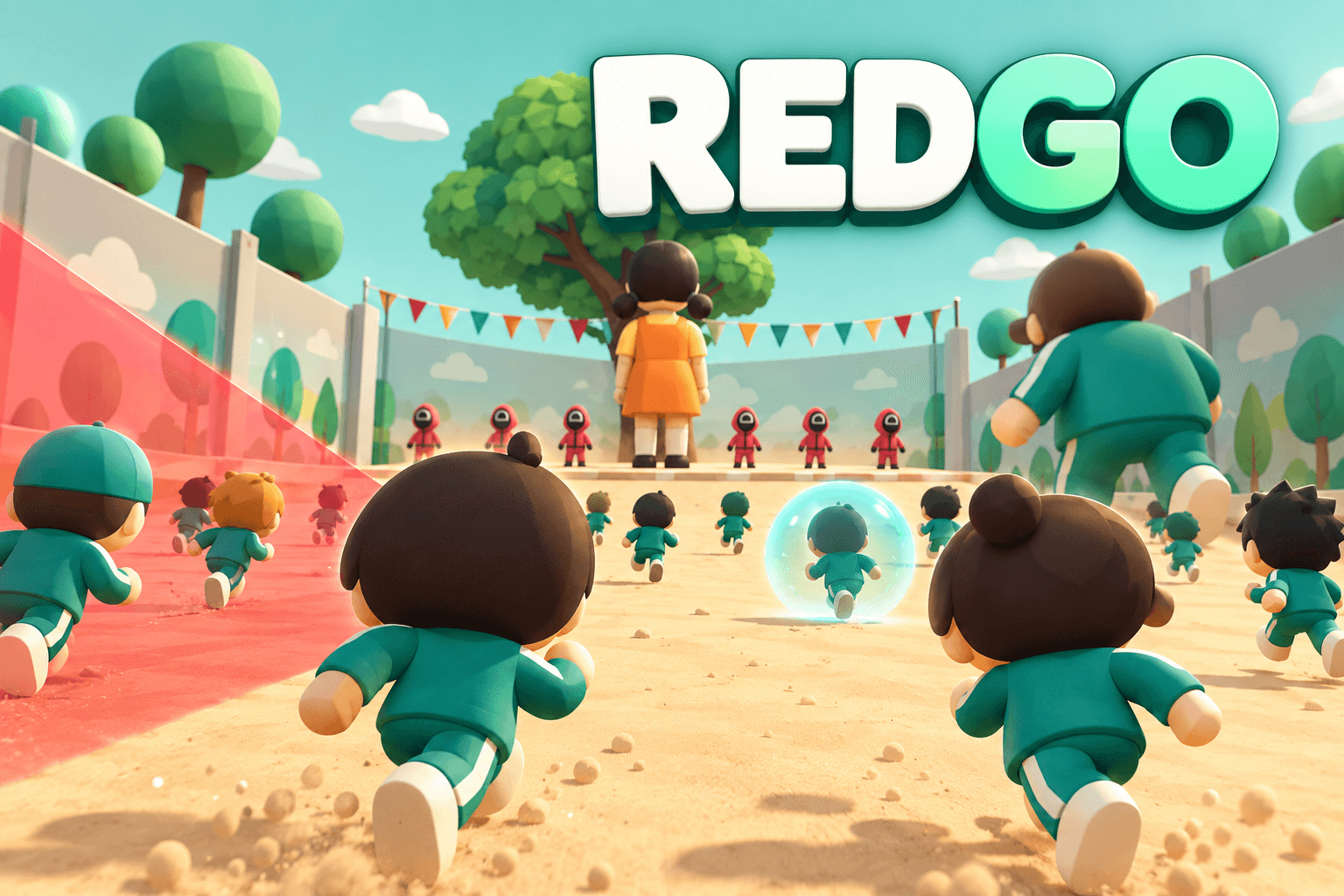
Reach the finish during green light while stopping before the red-light scan. Survivors score the round; the game resets automatically for the next race.
Your main runner and clones can each score. The leaderboard ranks viewers by score; a tied score is decided by the first finish.
A round lasts up to three minutes by default. If no active runners or queued arrivals remain for five seconds, results appear early.
Comment once to join the round. Runners move automatically; no keyboard controls are needed. Repeated comments do not revive a runner, add clones, or increase speed.
Launch REDGO, connect the LIVE room, explain the comment-to-join rule, and keep the race window visible. The runners move automatically while you call out saves, eliminations, and gift effects.
Recorded gameplay preview. For current gift quantities and durations, use the guide below.
Default bindings for REDGO 1.0.4, ordered by Coins and then gift name. Custom Launcher bindings take precedence. Gift availability and value may vary.

Transform up to 3 of your runners for 8 seconds per gift: 1.2× speed and scanner immunity. Prefer runners with less chicken time, then those closer to the finish. Guards and gifts still affect them.

Join or revive your runner; add 6 seconds of 1.8× speed per gift. Boosts stack in duration.

Queue 5 guards per gift. Each patrol lasts 12 seconds and can tag one rival during a red light; up to 25 guards visible. Your runner also gets 4 seconds of 1.8× speed per gift, even with no rivals.
Give up to 5 current friendly runners one shield charge per gift. Prefer the least protected, then the leaders. Each charge blocks one scanner, guard or knockback hit, but not giant-form removal.
Queue 5 runners at your position (one metre behind) per gift; each can score. Up to 200 active runners; overflow waits.

Knock back up to 6 leading rivals by 6 metres and stop them for 2 seconds per gift; no elimination. Shields absorb the hit; giants resist it. Also boost your runner 1.8× for 6 seconds. Repeats expand the wave, hitting each rival once.

Become a 2.6× giant for 20 seconds per gift: 1.8× speed, scanner and knockback immunity, plus 3 shield charges. Block nearby rivals during green lights.

Queue 5 clones with one shield each per gift, grant your main runner 2 shields, and sprint clones at 2.2× speed for 20 seconds. Repeats add clones, main shields and sprint time. Queued arrivals receive at least 20 seconds of remaining team sprint.

Become a giant for 20 seconds with 3 shields and 10 seconds of 1.8× boost per gift. Immediately remove all current rival giant forms through shields and stop them for 2 seconds; keep their runners and shields. No rival giant is required for your own bonuses.
Use an account with Pro access, find REDGO in Games, and install the latest version.
Connect your TikTok LIVE room in Launcher and review the active gift bindings before starting the game.
Capture the game window in your streaming software. Keep the lights, runner names, leaderboard, and gift bar visible.
Use Launcher simulation to check the bindings, then confirm the live connection. Pin a comment inviting viewers to comment to join.
Named runners make free comments feel personal and keep the race readable.
Guards, shields, giants, and attacks are clearest when the field is visible.
The default three-minute round is long enough to explain the rules without losing new viewers.
Comments join once per viewer per round. Rose can join or revive a runner; otherwise wait for the next round.
Doughnut is a knockback effect, not an elimination. Shields absorb it and giants resist it.
The field supports up to 200 active runners and 25 guards. Overflow waits in a queue instead of appearing all at once.
Check the Launcher LIVE connection and active gift mapping. Simulation checks the game effect; a live event also depends on the TikTok connection.
Open Audio for separate music and sound-effect controls. Use the language menu; untranslated game text falls back to English.