Keep the run alive.
You control the motorcycle and play the race. This is a hands-on game, so keep your stream capture and gift controls ready before setting off.
Road Rampage
Race, dodge, and fight while viewers repair your ride or throw new hazards into your path. Twelve gift effects turn the next stretch of road into a live challenge.
Windows PC · Separate game client required · English setup guide
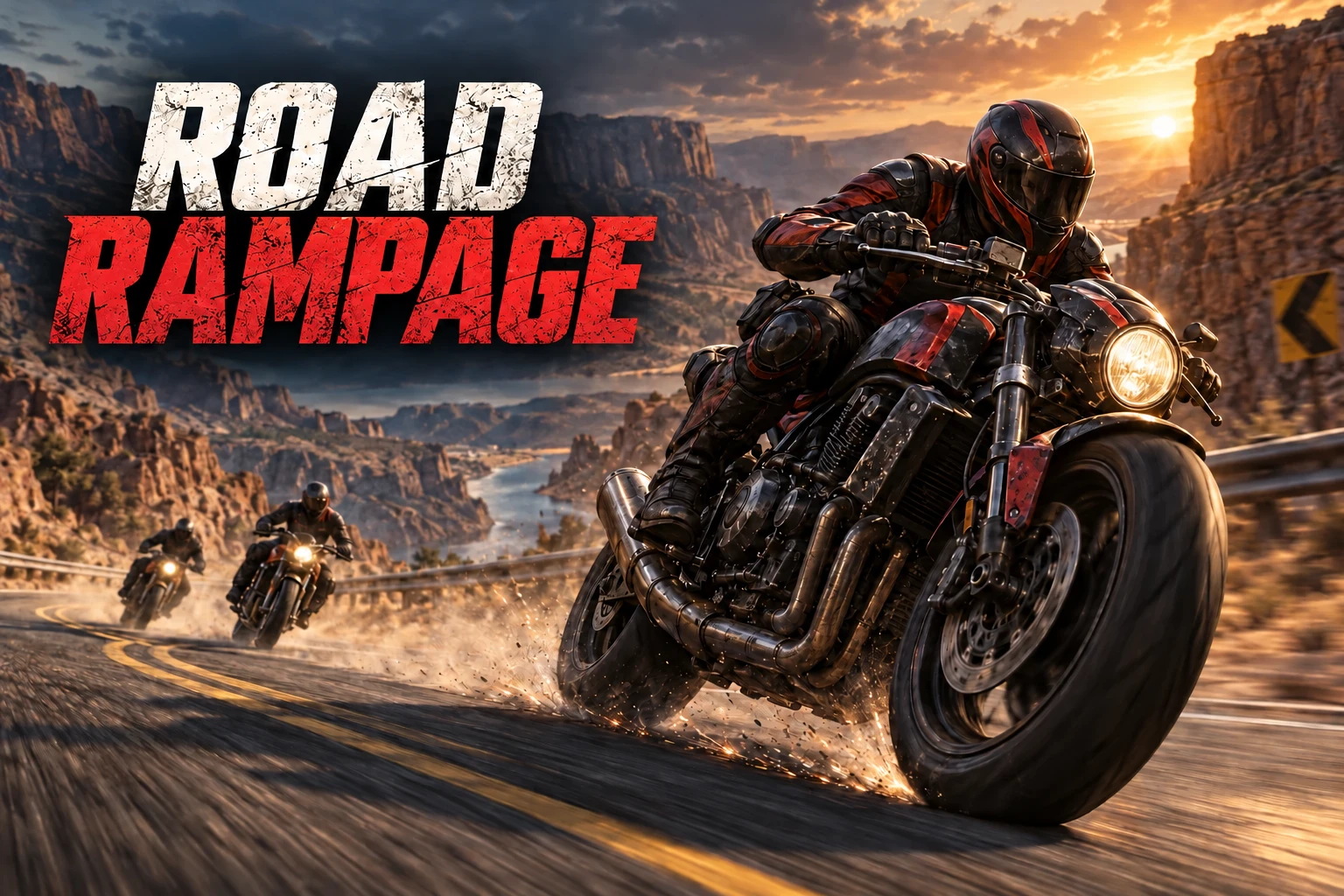
You control the motorcycle and play the race. This is a hands-on game, so keep your stream capture and gift controls ready before setting off.
Viewers send mapped TikTok gifts. Repair supports the rider; obstacles, attacks, size changes and bigger hazards challenge your reactions.
Call out the sender, explain what changed, and try to recover. Tell viewers your current gift bindings if you customize the defaults.
GET READY TO RIDE
Sign in to the BeetGames Launcher with Pro access and select this game. Launcher downloads the interactive Mod package; the game client is installed separately.
In the setup window, choose “1. Download game (opens browser)”. Extract the ZIP into a normal local folder with enough disk space. Do not run the EXE directly inside the ZIP.
Download the supported client ↗Close any running game. Choose “2. Choose game EXE” and select RoadRedemption.exe from the extracted folder, then “3. Install / Update / Repair Mod”. The setup checks compatibility and backs up files it replaces.
Connect TikTok in Launcher, review your gift presets, and choose “4. Start game”. Enter an actual race before testing; menus are not the place to trigger race effects.
Use a Launcher simulator gift to check the connection, then capture the game window and audio in your streaming software. Keep Launcher and the Mod setup window open while playing.
THE DEFAULT GIFT LINEUP
Sorted by coin value, then gift name. These are the bundled defaults; your active Launcher presets take priority. Grow and Shrink stack and counter each other. Size changes are not health or damage bonuses.
| Default gift | Coins | Effect | What happens |
|---|---|---|---|
| GG | 1 | Obstacle | Place a road obstacle. Keep your eyes on the road. |
| Ice Cream Cone | 1 | Left hook | An attack from the left disrupts the rider. |
| Rose | 1 | Repair | Trigger the repair effect to help the rider. |
| TikTok | 1 | Right hook | Push the rider from the right side. |
| Finger Heart | 5 | Extra rider | Add an enemy rider to the race. |
| Wave Firework | 5 | Flashbang | Briefly obscure the view with a flash overlay. |
| Perfume | 20 | Shrink | Multiply rider size by 0.8 for 10 seconds. |
| S Flowers | 20 | Grow | Multiply rider size by 1.25 for 10 seconds. |
| Capybara | 30 | Chain trap | Place a trap ahead. It must catch the rider to take effect. |
| Doughnut | 30 | Incoming truck | Send the incoming truck effect into the race. |
| Guitar | 99 | Lightning strike | Start the lightning sequence. The strike follows its in-game countdown. |
| Sunglasses | 199 | Helicopter | Bring an armed helicopter into the action. |
Effects follow the game's timing and eligibility. Lightning has a countdown; traps need contact. Repeated gifts repeat the mapped effect; they do not turn into a different gift tier.
QUICK HELP
Enter a race, confirm TikTok is connected, and check that the gift matches an active preset. Try the same effect with Launcher’s simulator. Allow time for queued or countdown effects.
Choose RoadRedemption.exe from the supported, fully extracted client. If your version differs, use the download in the setup window. Do not rename another executable to bypass the compatibility check.
Personalized presets are kept. Remove the old Hand Heart → Grow rule if it remains. Grow now uses S Flowers (20 coins), matching Perfume → Shrink (20 coins). Reset Presets replaces your custom bindings with all current defaults.
Close the game first. Use Install / Update / Repair Mod to update, or Restore original files / Remove Mod to restore the local backup. Keep your game folder in place while the Mod is installed.