INTERACTIVE GAME MOD
Your audience.
Two armies.
Viewers send infantry, armor, aircraft and surprise reinforcements to either side. Reinforcements join the battle and help their team attack the opposing base.
Set up and test ↓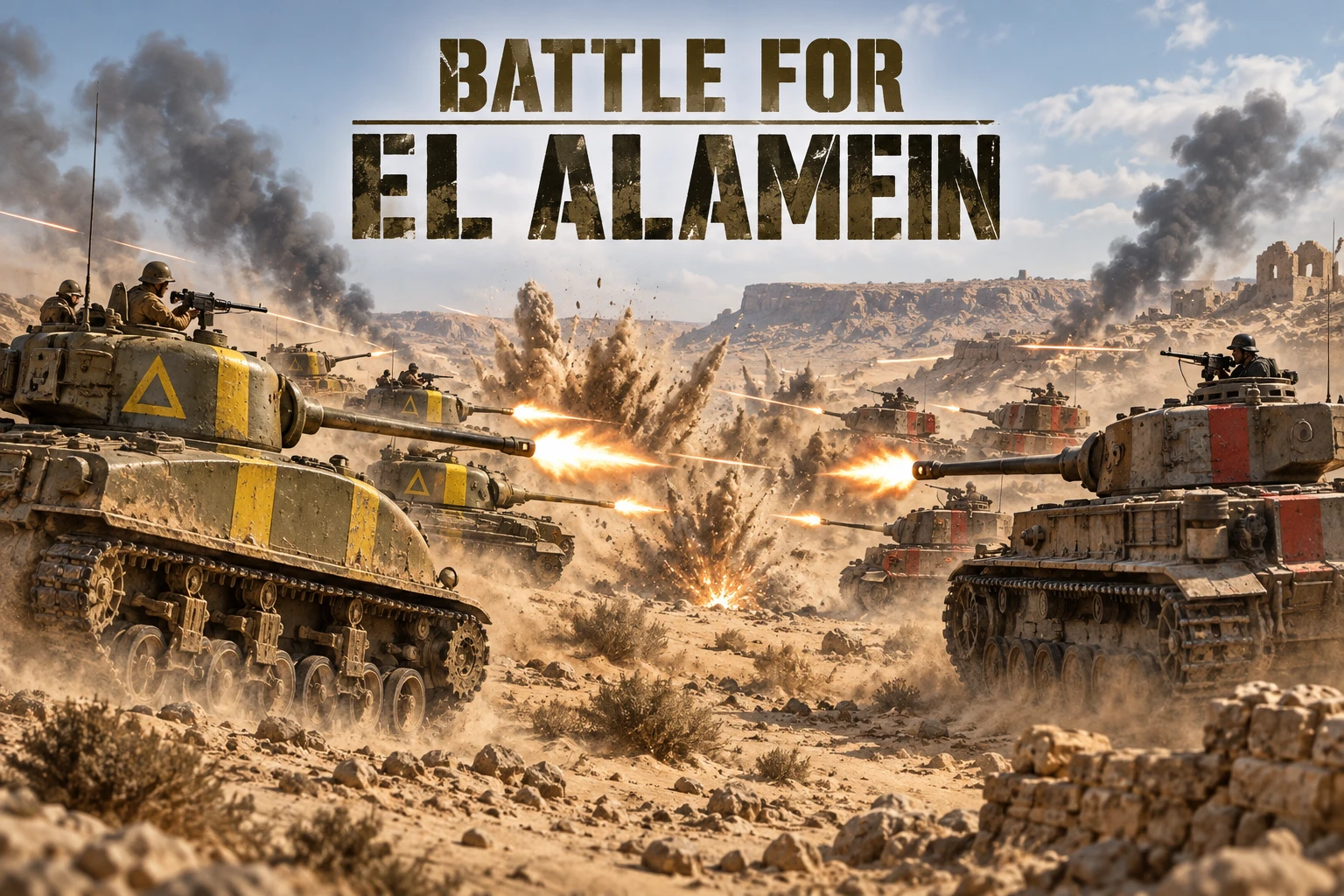
Start your first battle
- Download the compatible client. Download the Windows client (ZIP), then extract it completely. You can also use “1. Download game” in the Mod setup window. Keep its AssetBundles and SuddenStrike4_Data folders beside SuddenStrike4.exe.
- Open the Mod from BeetGames Launcher. Choose SuddenStrike4.exe, then click Start game. The Mod is installed or updated automatically before launch. Replaced files are backed up.
- Let El Alamein load automatically. No manual map selection is required. Wait for both Yellow and Red bases before testing.
- Enter the battlefield. Loading continues automatically. Wait until both bases appear. The game starts maximized in windowed mode. Once both bases appear, the camera centers between them. You can move the camera freely afterward.
- Test before going LIVE. Use Launcher Gift Tools to send each gift below. Interactive effects require Skirmish; campaign modes are not supported. During LIVE, use your usual TikTok connection in the Launcher.
36 interactive effects: Yellow vs Red
Each side has 18 actions: infantry, mortars, anti-tank infantry, light tanks, flamethrower tanks, heavy tanks, elite heavy tanks, rocket artillery, anti-aircraft vehicles, bombers, reconnaissance planes, ground-attack planes, paratrooper planes, focused airstrikes, sustained bombardment, and three surprise reinforcement pools.
12 starting gifts · six per team
The starting mapping keeps the overlay readable. All 36 actions remain available in Choose Game Action. Existing custom triggers are preserved.
| Default gift | Action | Per gift repeat |
|---|---|---|
| Rose | Yellow infantry | 4 infantry + 1 anti-tank infantry. |
| TikTok | Red infantry | 4 infantry + 1 anti-tank infantry. |
| Finger Heart | Yellow light tank | 3 light tanks. |
| Wave Firework | Red light tank | 3 light tanks. |
| Doughnut | Yellow heavy tank | 5 heavy tanks. |
| Capybara | Red heavy tank | 5 heavy tanks. |
| Hand Heart | Yellow rocket artillery | 4 rocket artillery units. |
| Confetti | Red rocket artillery | 4 rocket artillery units. |
| Money Gun | Yellow bomber | 3 bombers, bombing from the battlefield midpoint toward the enemy base. 500-coin default gift. |
| Roses | Red bomber | 3 bombers, bombing from the battlefield midpoint toward the enemy base. 500-coin default gift. |
| Summer sun | Yellow armor surprise | 4 medium tanks. |
| Traffic Cone | Red armor surprise | 4 medium tanks. |
The armor gift summons four medium tanks. Comment 1 for one Yellow infantry unit or 2 for one Red infantry unit; each viewer shares a two-second cooldown across both teams. Gifts have no fixed cooldown. Gift availability varies by region; change bindings in Gift Tools when needed. Each side uses its original units; their statistics may differ.
Arrange your live overlay
In Launcher Gift Tools, open Overlay and copy All, Yellow team or Red team as an OBS / TikTok Live Studio Browser Source. Each card shows the gift, unit icon and quantity. Use Layout to change an entire source, or Overlay on a gift rule to hide it, edit its text or override the icon and text positions. Hiding only affects the overlay, not the game action. Saved changes update newly copied links automatically.
When a gift waits
Effects wait until the battle is ready. Gift squads spawn without a fixed cooldown; large bursts are processed across simulation ticks. At most four bombardments run concurrently; additional repeats wait in the queue. A disconnected Bridge reconnects automatically; do not send the same test repeatedly while waiting for the battlefield to load.
Close the game before updating. Use Restore original files / Remove Mod to restore the installer's backup. This Mod retains the original Chinese game menus; installation instructions are English.