Any comment
Join the dance floor
No special keyword needed. A character appears for the viewer. Repeated comments from the same viewer do not create duplicate characters.
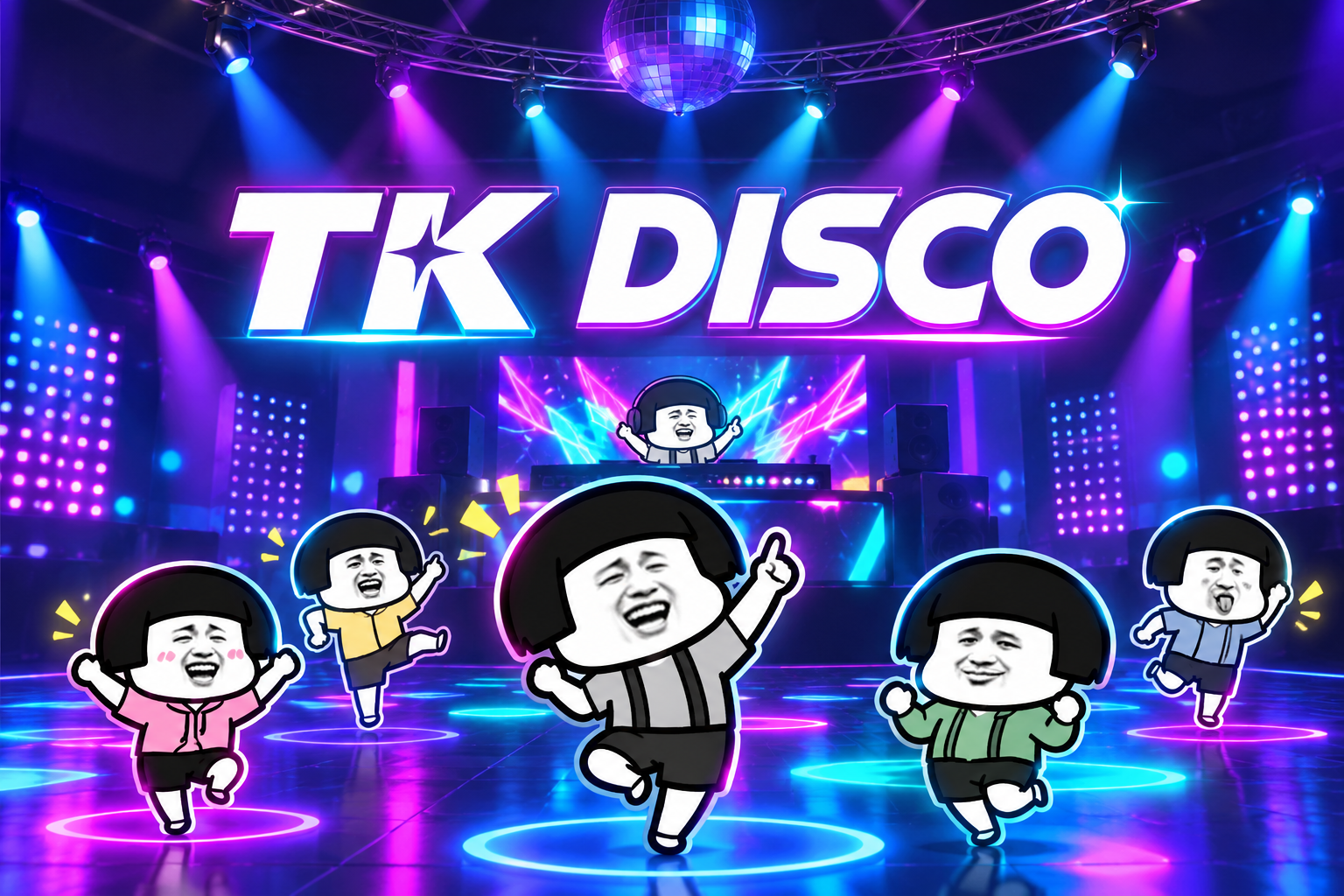
TK DISCO · Live party
A playful LIVE dance floor. Comments bring viewers into the scene; likes, follows, shares and gifts change the show.
01 / VIEWER INTERACTIONS
These are the included defaults. Your active Launcher presets decide which interaction triggers each effect.
No special keyword needed. A character appears for the viewer. Repeated comments from the same viewer do not create duplicate characters.
The default preset counts each viewer separately. Every 20 likes triggers an action; you can change the threshold in Setup & Play.
A follow triggers the original game’s grow effect.
A share triggers the original game’s shrink effect.
Each gift increment sends one fireworks command. Combo gifts keep their quantity; animations can overlap.
Each gift adds 20 DJ spotlight points using the original game’s effect.
02 / LIVE ROOM EXAMPLE
Invite viewers to comment, call out their arrival, and show how follows, shares and gifts change the scene. TK Disco is a casual dance floor, not a team battle.
03 / GET READY
Sign in to BeetGames Launcher with your Pro account. Choose TK Disco in Games, then select Setup & Play.
Save the TikTok account you actually stream with. Review the six default interactions and change gift bindings if needed.
Click Start Game and wait for the dance floor. Use Test Events to check a comment and a gift before going live. Tests affect the game but do not send paid gifts.
Add the DISCO window in your streaming software. Play music yourself using your preferred music player, and make sure your streaming software captures it. Check framing and volume, then keep Launcher running throughout the stream.
04 / QUICK HELP
Start the game first. Check that Chat: any message is mapped to Join the dance floor. For real messages, confirm the saved room is live and monitoring is connected.
The default threshold is 20 likes from one viewer, not 20 likes combined across the whole room. Review your active preset.
Connection recovery may restart the game and clear the current dance floor. Viewers can comment again to rejoin.
Your viewers. Your dance floor.