1. Start with a test game
Open a BeetGames title and use simulated gifts first. This confirms the game, Launcher, and mapping before you depend on real LIVE events.
Setup guide
To connect TikTok gifts to a game, you need a live event source, a launcher that receives events, a gift mapping table, and a game that reacts in real time.
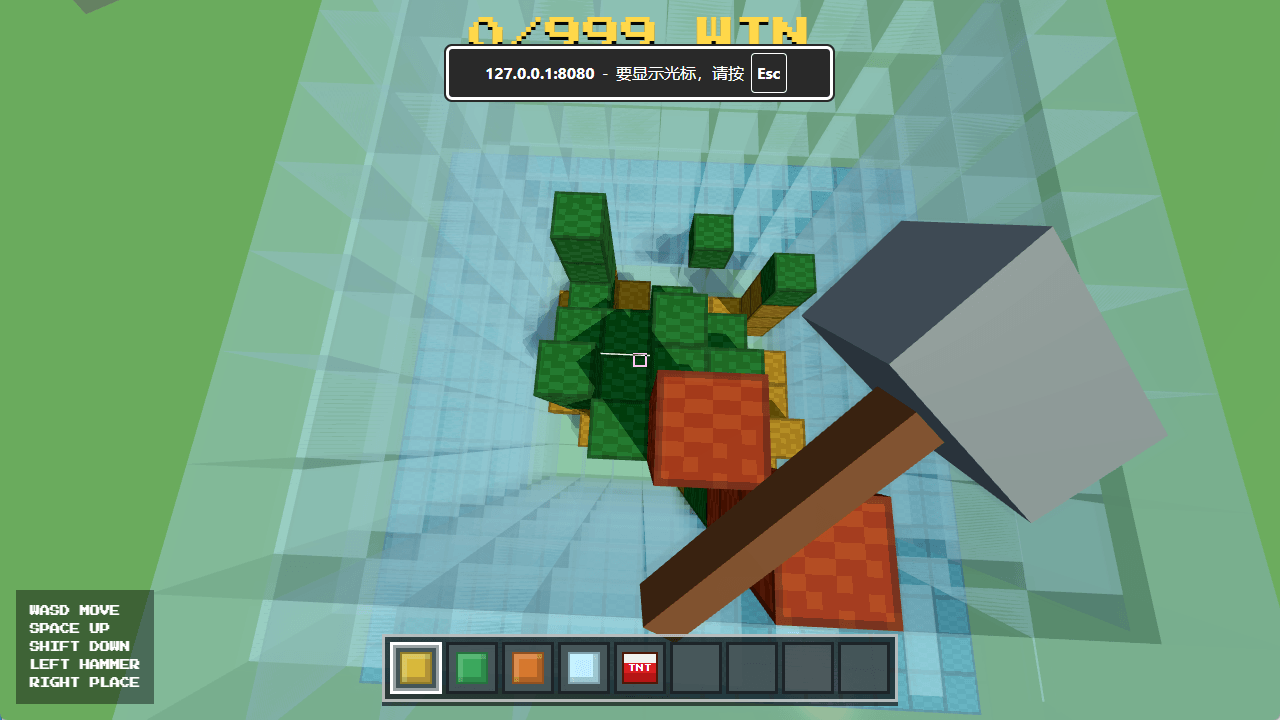
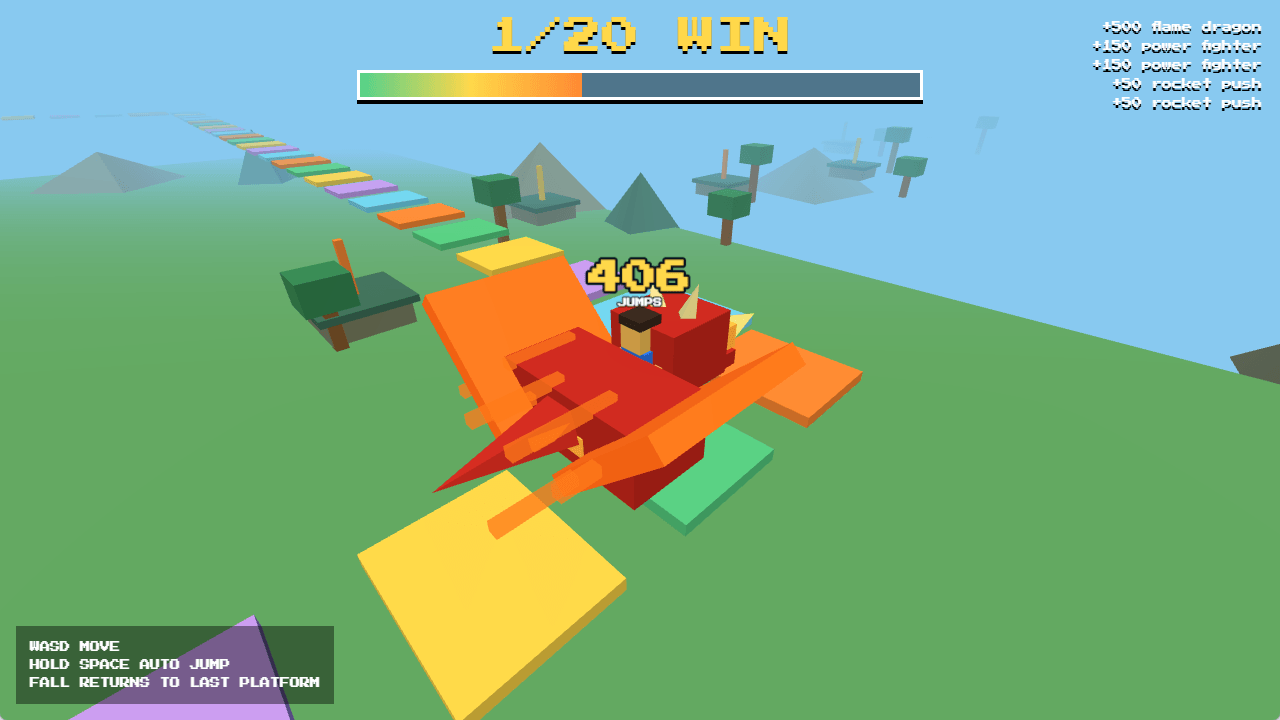
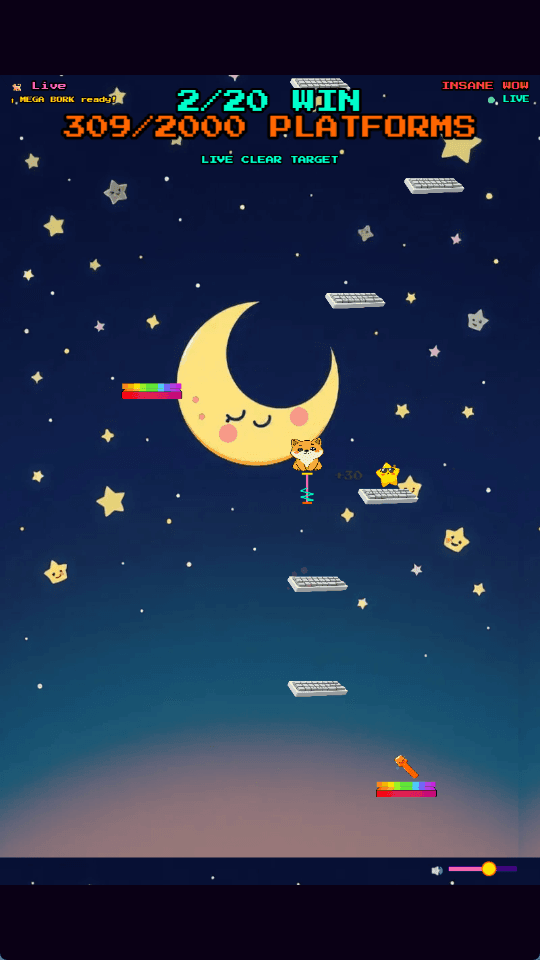
Open a BeetGames title and use simulated gifts first. This confirms the game, Launcher, and mapping before you depend on real LIVE events.
Choose gift names and bind them to actions such as push forward, spawn monster, drop bomb, remove blocks, add win, or subtract win.
Make cheap gifts fun without breaking the game, while high-value gifts create memorable moments viewers understand immediately.
Next steps
Use these pages as focused paths into BeetGames. Each one explains one part of the TikTok Live game workflow and links back to games, gift prices, and setup guidance.