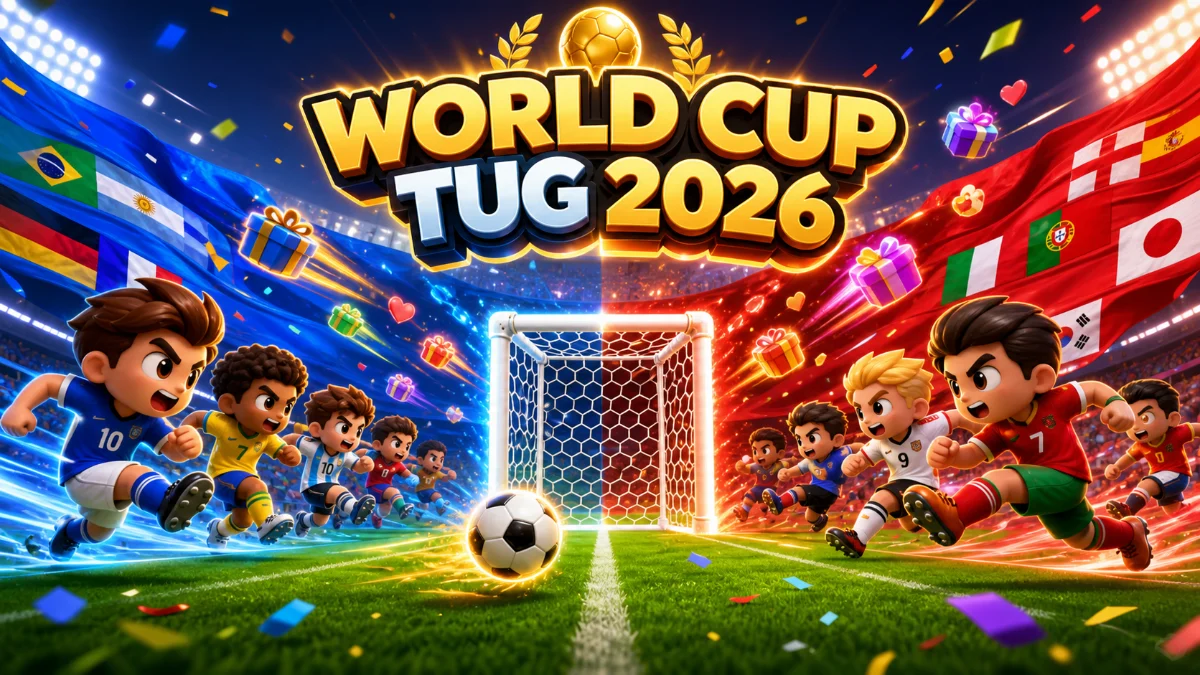
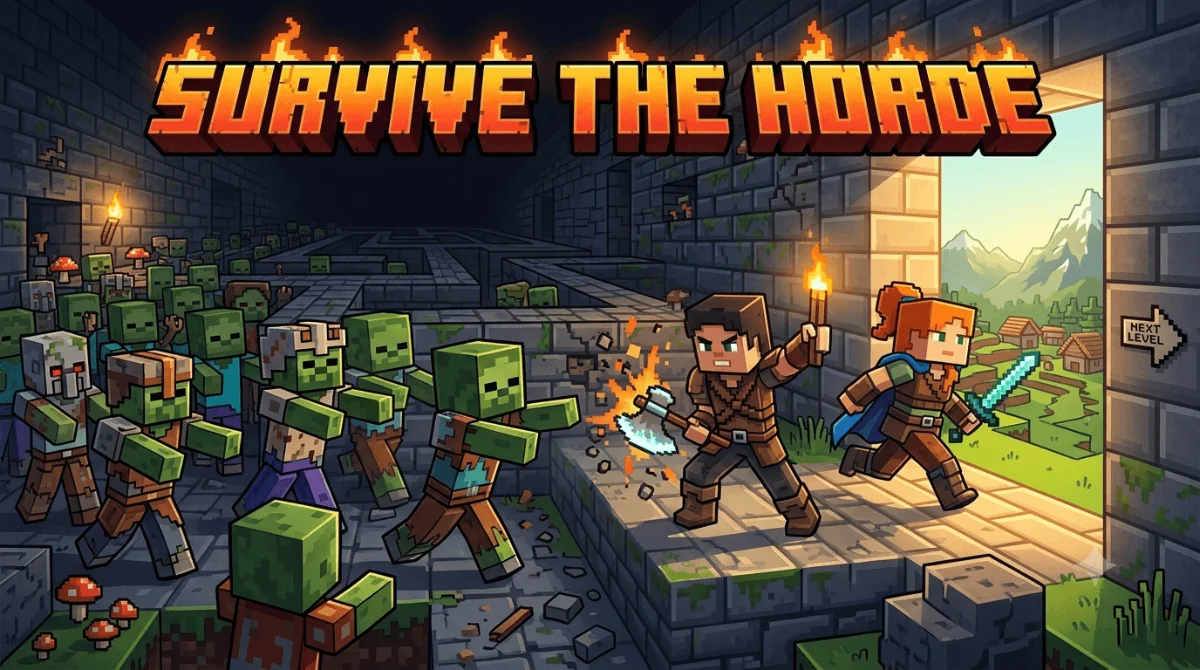
Viewers control real interactive games gameplay on TikTok LIVE
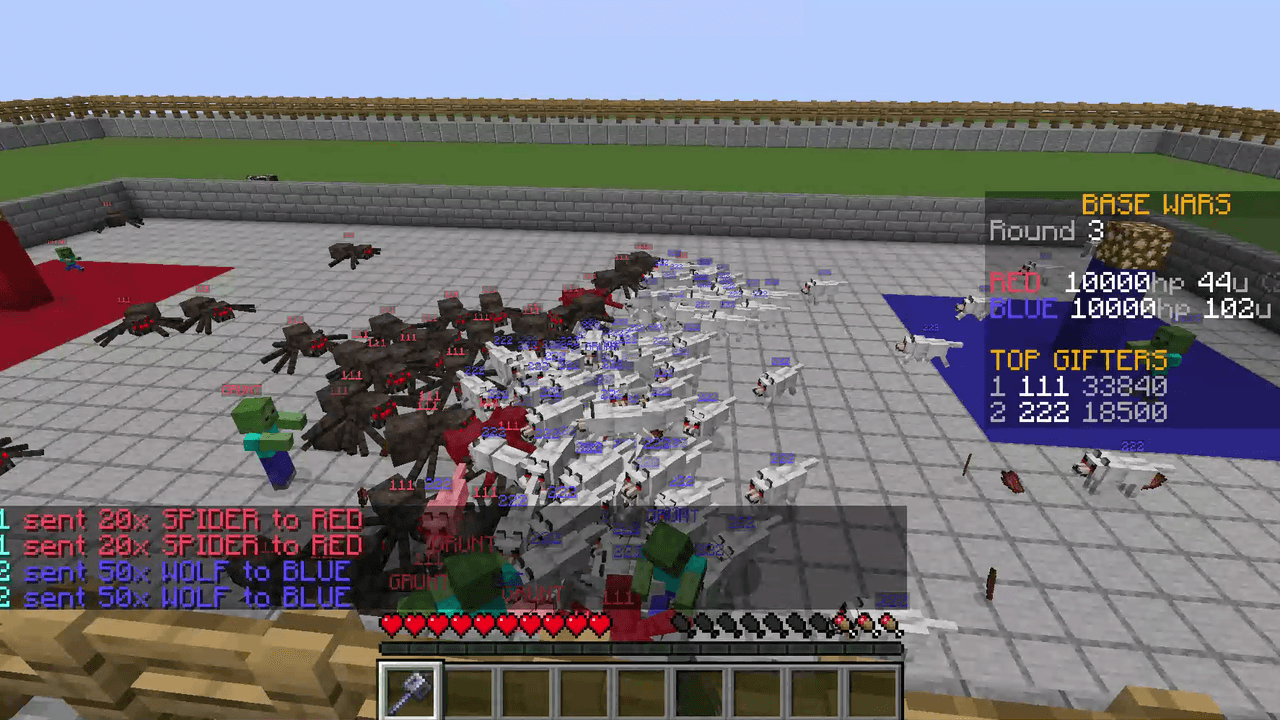
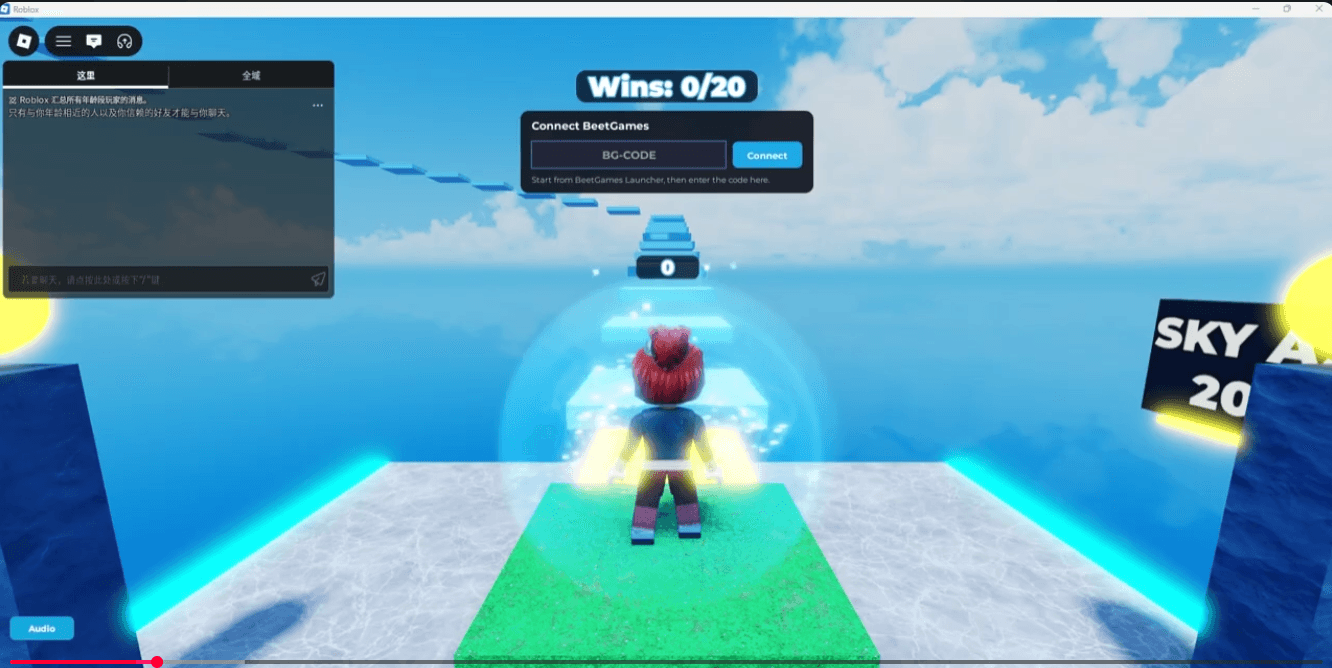
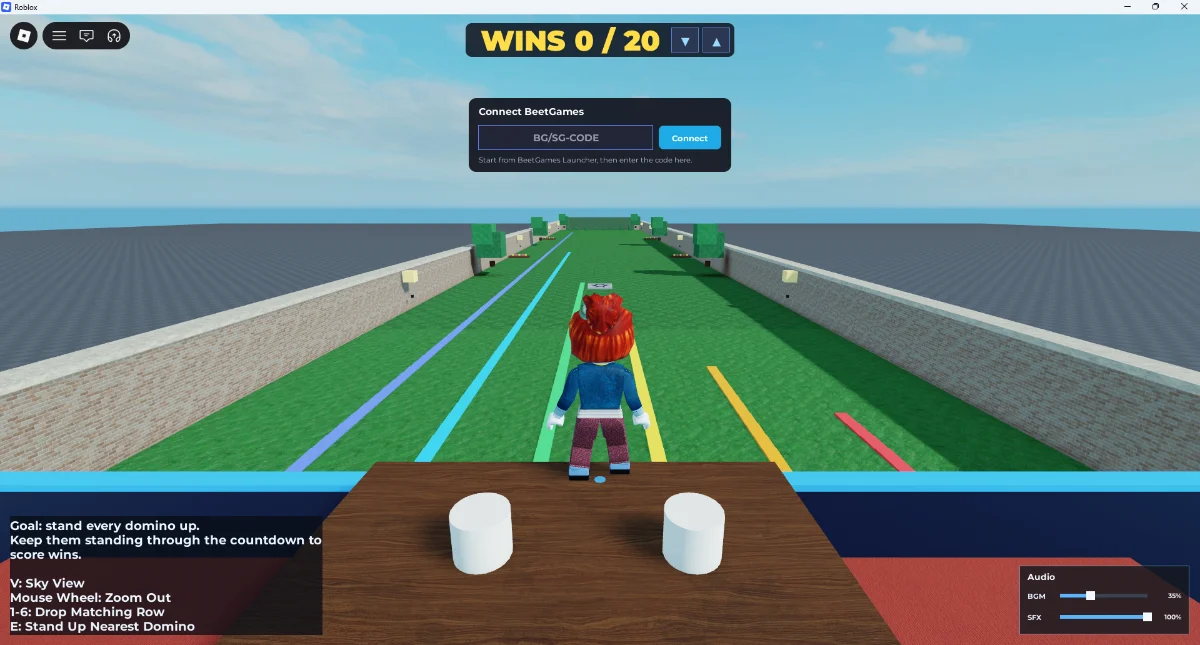
TikTok gifts, likes, comments, and follows can push players, spawn obstacles, add wins, drop bombs, change momentum, or trigger visible effects instead of simple alerts. That kind of interaction makes gaming on TikTok more engaging, and engaging viewers is crucial for retention because people stay longer when their actions affect gameplay during live streams. TikTok's algorithm favors strong retention and interaction, so gamified participation can help a stream grow.
Download once, test before TikTok LIVE interactive games
Download the BeetGames Launcher app on Windows, choose a game, and test simulated TikTok events, but before you start streaming, make sure your TikTok account is eligible to go live—it's a plug-and-play setup you can finish in under 5 minutes with no coding required. TikTok requires 1,000 followers to access live streaming features. For smooth live testing, a stable connection with at least 10 Mbps upload speed helps. Many creators use OBS, a popular software option for streaming to TikTok, while TikTok Live Studio provides a stream key for desktop streaming.
Built for streamers using TikTok LIVE Studio
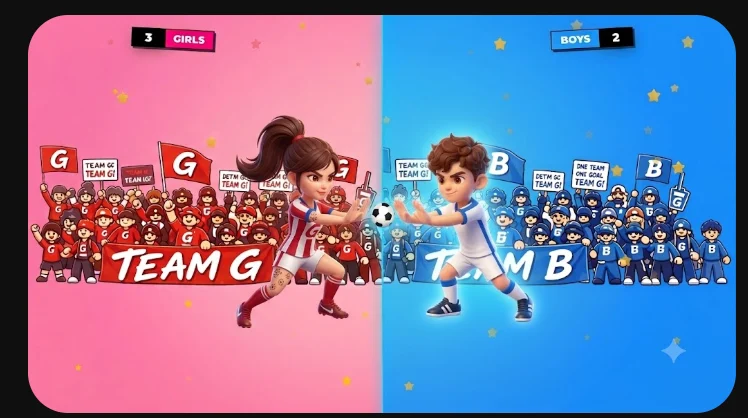
Each game uses short readable moments, clear team choices, and a professional overlay layout with quick on-screen prompts that act as stream tools, which can supercharge audience engagement by making interactions visually clear so viewers can interact fast during a live stream. Acknowledging comments and gifts immediately helps turn viewers into active participants. Recurring formats like team battles and viewer challenges can strengthen community engagement, and using consistent segments can encourage viewers to return while building suspense and excitement that motivates participation and helps reach viewers around the world.
Build a stream that viewers can control
Use these pages as focused paths into BeetGames, a platform for interactive streaming guidance, including formats like trivia, racing, and interactive challenges, which work well because they tie gameplay directly to viewer engagement. Each one explains one part of the TikTok Live game workflow and links back to games, gift prices, and setup guidance.