Use it as a browser source
The launcher can expose an overlay URL that OBS or TikTok Live Studio can add as a browser source. This keeps the gift instruction panel separate from the game window.
Gift overlay
A TikTok gift overlay tells viewers what each gift does before they send it. For live games, the overlay is not decoration: it is the instruction panel that turns gift mapping into audience participation.
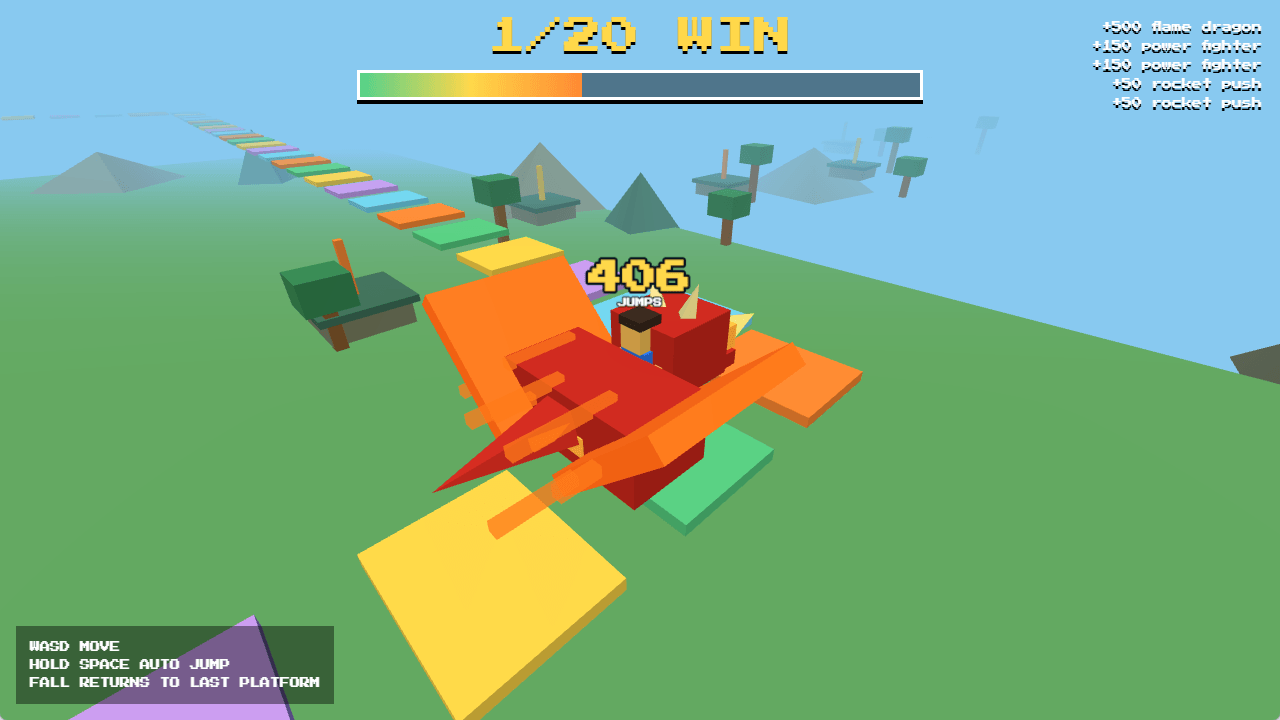
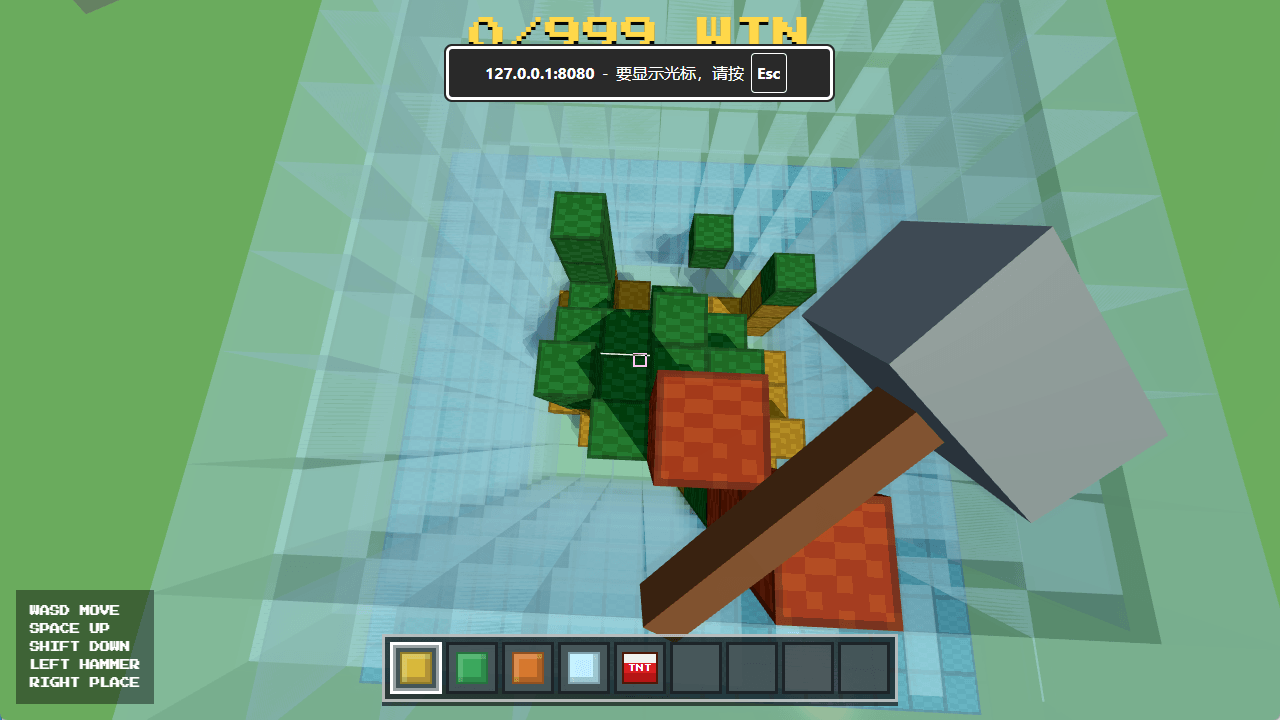
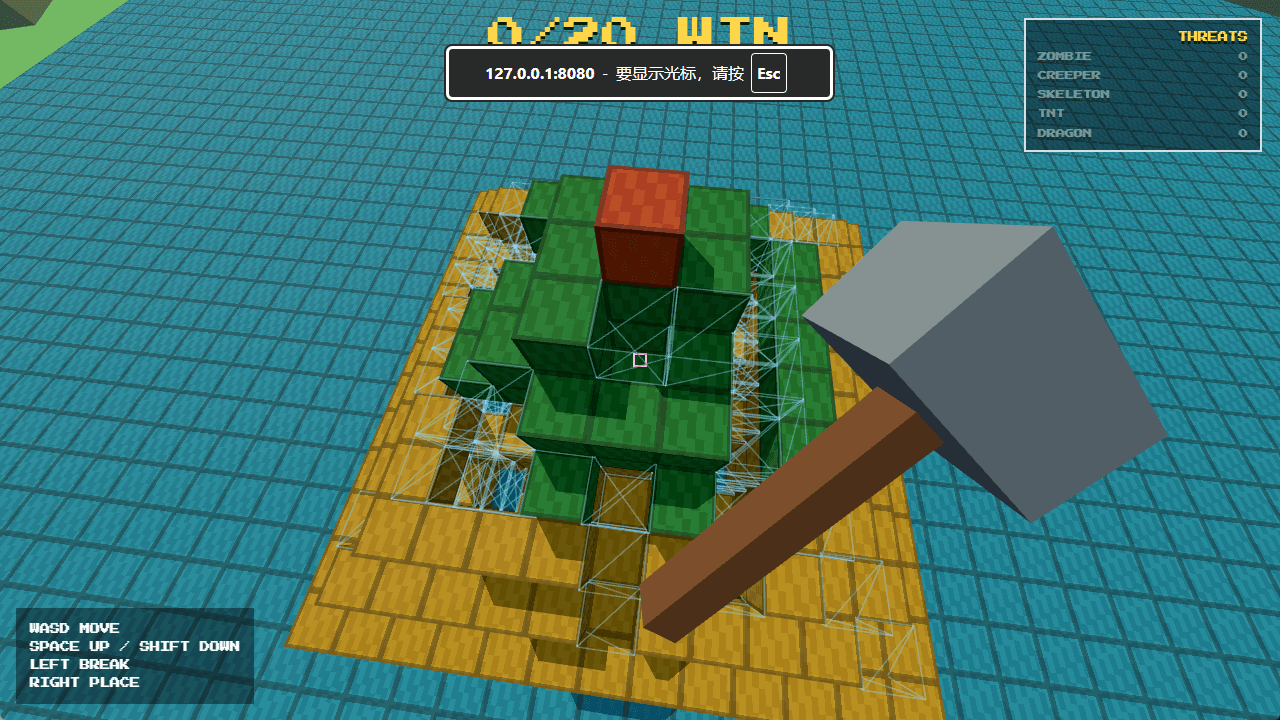
The launcher can expose an overlay URL that OBS or TikTok Live Studio can add as a browser source. This keeps the gift instruction panel separate from the game window.
Landscape games often work well with bottom or top bars, while vertical games can place positive effects on one side and negative effects on the other side.
Most TikTok viewers watch on phones. Gift icons and effect text should be large enough to read quickly, with enough contrast to survive video compression.
The overlay should be generated from the same mapping that the game uses. If the streamer changes a gift, the viewer-facing overlay should change with it.
Labels like +50 push, zombie pack, TNT storm, or -1 win are easier for viewers than long explanations. The overlay should help viewers decide in one second.
Preview the overlay, copy the browser-source link, and trigger a test flash before going live. This catches missing images, wrong filters, or unreadable sizes.
FAQ
Yes. Add the overlay URL as a browser source, then position it around the game capture or livestream layout.
Not always. Many streamers need the overlay outside the game window so it can fit mobile TikTok layouts or other games.
Splitting positive and negative effects helps viewers understand which gifts help the player and which gifts sabotage the run.
Next steps
Use these pages as focused paths into BeetGames. Each one explains one part of the TikTok Live game workflow and links back to games, gift prices, and setup guidance.