Start from coin tiers
Use small gifts for small repeatable effects, medium gifts for visible momentum changes, and high-value gifts for major effects such as monsters, bombs, large pushes, or win changes.
Gift mapping
Gift mapping is the table that turns a TikTok Live gift into a real game command. A good mapping makes every gift tier understandable: cheap gifts create quick reactions, mid-tier gifts change the run, and expensive gifts create moments the whole chat notices.
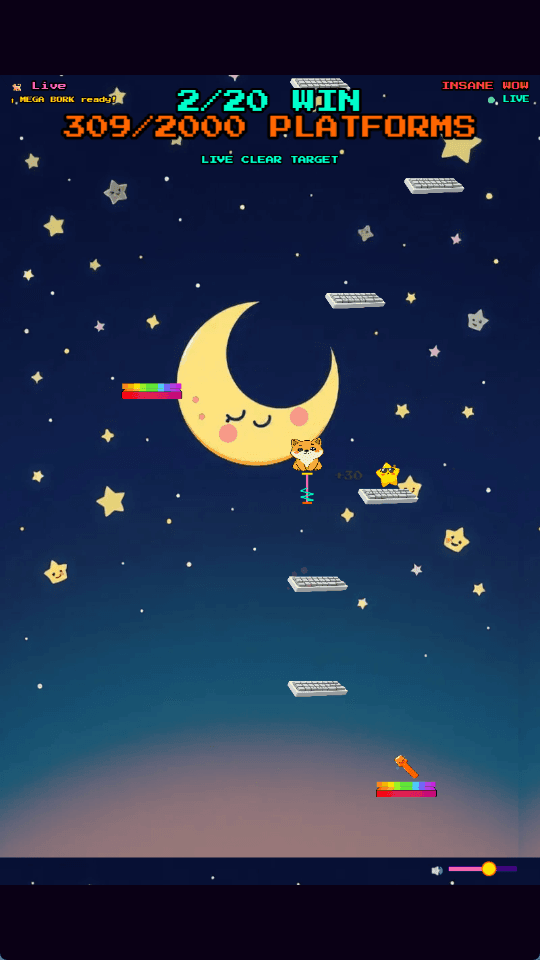
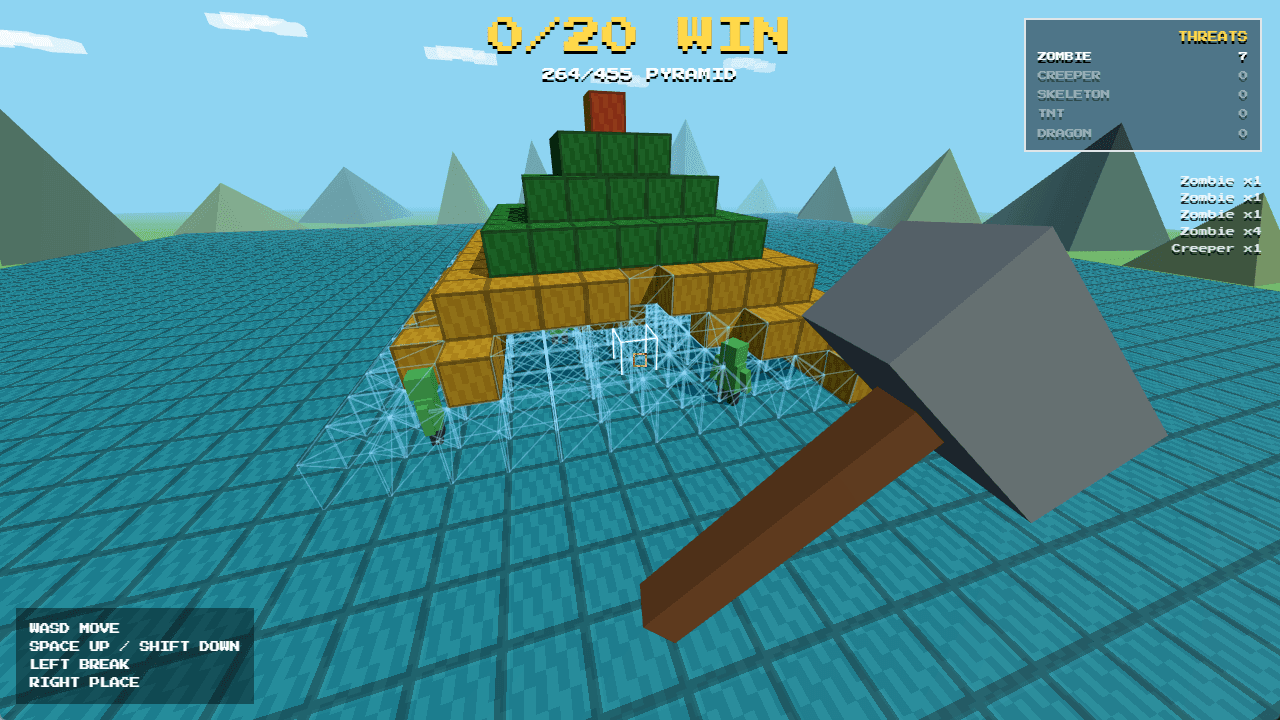
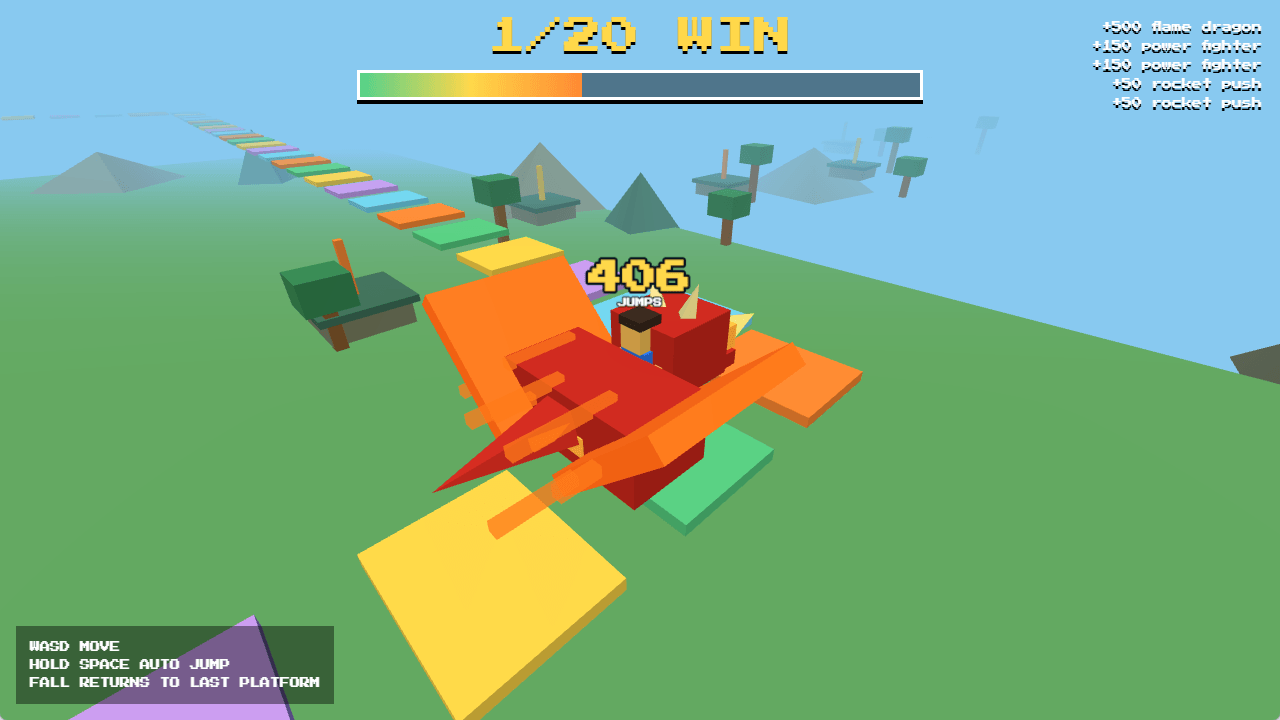
Use small gifts for small repeatable effects, medium gifts for visible momentum changes, and high-value gifts for major effects such as monsters, bombs, large pushes, or win changes.
Most stream games work better when viewers can instantly see which gifts help and which gifts sabotage. Separate boost effects from damage effects, then keep the visual language consistent across games.
Use the launcher test tools to trigger each mapped gift. Check that the game reacts, the overlay shows the right icon, and the effect is not too weak or too disruptive for the target coin value.
One gift should normally trigger one clear effect in one game. If two effects use the same gift, viewers will not know what they are buying and the live loop becomes harder to understand.
Gift availability can differ by country. Pick common gifts for default templates, then let streamers change mappings when their audience uses different regional gifts.
The mapping is not only a configuration file. It is also a viewer instruction system. Put the gift icons and effects where the audience can see them before sending gifts.
FAQ
TikTok gift mapping is the process of connecting a specific TikTok Live gift name to a game effect such as a push, monster spawn, bomb drop, block break, or win change.
Yes. Cheap gifts should be fast and repeatable, while expensive gifts should create stronger moments that feel worth the coin value.
Yes. Each game can have its own mapping because each game has different rules, pacing, and viewer goals.
Next steps
Use these pages as focused paths into BeetGames. Each one explains one part of the TikTok Live game workflow and links back to games, gift prices, and setup guidance.